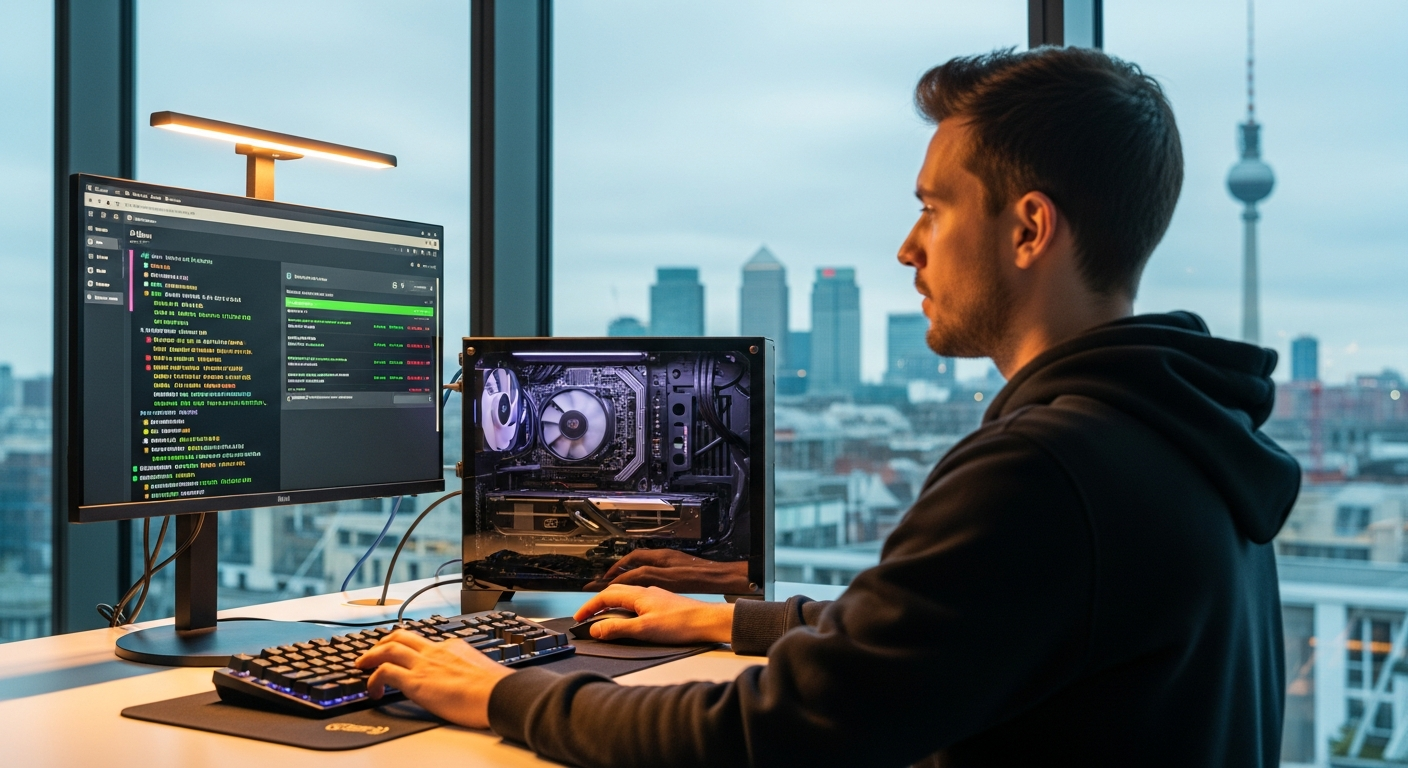
The assumption that local AI requires a server room or a cloud subscription is finished. Two consumer graphics cards now match a 25,000-dollar data centre card at a fraction of the cost, and the software to make it work fits in a single terminal command. Here is how to get started in under five minutes.
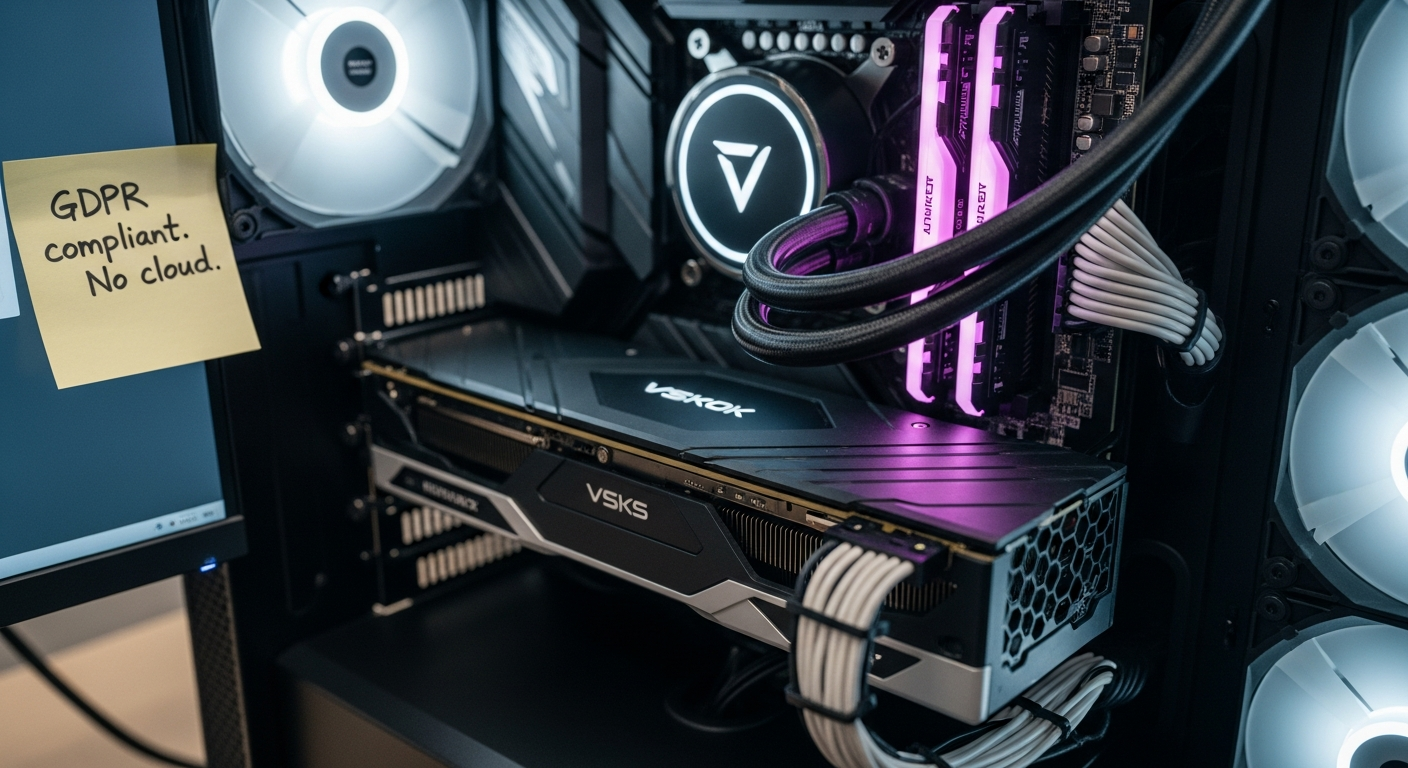
Running AI models locally on your own hardware is no longer an enthusiast hobby. It is a practical, privacy-respecting alternative to cloud subscriptions, and the tools required have matured to the point where a single terminal command gets you started. Two consumer-grade graphics cards can now match the performance of a 25,000-dollar data centre card at roughly a quarter of the cost, a shift that has made local AI genuinely competitive for everyday professional use across the EU and UK.
[[KEY-TAKEAWAYS:Consumer GPUs now rival 25,000-dollar data centre cards at roughly a quarter of the cost|Ollama installs in one command and runs Llama 3 entirely on your own hardware|EU GDPR makes data-local processing a compliance advantage, not just a preference|Cloud AI still leads on frontier tasks; a hybrid approach suits most professionals|Running costs after hardware purchase are pennies per session in electricity]]
Advertisement
Your Laptop Already Outperforms Most Cloud Services
The shift towards local AI is not purely about saving money. It is about privacy, speed, and control. When you run models on your own machine, your data never leaves your device. There is no API call, no usage limit, and no terms of service that might change next month. For professionals handling confidential documents under EU GDPR or UK data protection law, that distinction is not merely convenient; it is a compliance advantage.
Mistral AI, the Paris-based open-weights model company, has made this point explicitly in its public communications, positioning locally deployable open models as a sovereignty tool for European organisations that cannot afford to route sensitive data through US-based cloud infrastructure. Margrethe Vestager, the European Commission's former executive vice-president for digital affairs, made a similar argument in framing the EU AI Act: European organisations need the ability to run AI on their own terms, on their own infrastructure.
The Essential Toolkit: All Free
The local AI toolkit has matured remarkably over the past 12 months. Two tools dominate the space:
Ollama is the easiest entry point. It runs open-source AI models with a single command in your terminal. Type ollama run llama3 and you have a capable AI assistant running entirely on your own hardware. Ollama handles model downloading, memory management, and GPU acceleration automatically across macOS, Linux, and Windows.
LM Studio provides a graphical interface for users who prefer clicking to typing. It lets you browse, download, and run models from a visual catalogue, adjust settings such as temperature and context length, and chat through a clean interface without touching the command line.
Both tools are free, actively maintained, and available on all major desktop operating systems. Neither requires a cloud account or an API key.
Which Models to Run
Not every model belongs on a laptop. The key is matching model size to available hardware. The most relevant options for 2026 are:
Phi-3 Mini (3.8 billion parameters): Designed by Microsoft specifically for local deployment. Runs on almost any modern computer with 8 GB of RAM and excels at coding and reasoning tasks.
Llama 3 8B (8 billion parameters): Meta's most versatile consumer option. Runs comfortably on a machine with 16 GB of RAM and a modern GPU. Handles general conversation, writing, and document analysis capably.
Mistral 7B (7 billion parameters): Built by the Paris-based Mistral AI. Strong multilingual capability and instruction following, making it particularly well suited to European users who work across languages. Requires 16 GB of RAM.
Gemma 2 9B (9 billion parameters): Google DeepMind's compact model. Well suited to summarisation and classification on a mid-range laptop or desktop with 16 GB of RAM.
Llama 3 70B (70 billion parameters): Reserved for high-end desktops with 48 GB or more of GPU VRAM. Handles complex analysis and long documents but is overkill for most daily tasks.
Five-Minute Setup Guide
Getting from zero to a working local AI model using Ollama takes under five minutes:
Install Ollama. Visit ollama.com and download the installer for your operating system. On macOS or Linux you can also run curl -fsSL https://ollama.com/install.sh | sh in your terminal.
Download a model. Open your terminal and type ollama pull llama3. This downloads the eight-billion parameter version, which is roughly 4.7 GB.
Start chatting. Type ollama run llama3. You now have an AI assistant running entirely on your machine. Type any question and it responds directly in your terminal.
Connect to other tools. Ollama runs a local API server at localhost:11434. Any application that supports the OpenAI API format can point to this address and use your local model instead of a cloud service.
Local vs Cloud: Making the Right Choice
Local AI excels in four situations:
Privacy-sensitive work involving confidential documents, client data, or anything subject to GDPR or UK data protection rules.
Offline access, whether on a train between London and Brussels or in a secure environment without external network connectivity.
Repetitive, high-volume tasks where API costs compound quickly. A developer making 100 API calls per day to a cloud provider might spend between 45 and 180 euros per month; the same workload on local hardware costs only electricity after the initial hardware investment.
Customisation and fine-tuning workflows that require consistent access to a fixed model version.
Cloud AI still leads for frontier capabilities: the most complex reasoning chains, the largest context windows, and multimodal tasks such as image generation or video analysis. The practical approach for most EU and UK professionals is to use local models for everyday work and switch to cloud APIs only when a task genuinely requires capabilities that local hardware cannot deliver.
Latency also favours local operation. A model running on your own GPU responds in milliseconds. Cloud API calls add network round-trip overhead that, on a congested European business network, can reach hundreds of milliseconds during peak hours.
Updates
published_at reshuffled 2026-04-29 to spread distribution per editorial directive
AI Terms in This Article5 terms
multimodal
AI that can process multiple types of input like text, images, and audio.
fine-tuning
Training a pre-built AI model further on specific data to improve its performance on particular tasks.
parameters
The internal settings an AI model learns during training. More parameters generally means more capable.
API
Application Programming Interface, a way for software to talk to other software.
GPU
Graphics Processing Unit, the powerful chips that AI models run on.
Advertisement
Comments
Sign in to join the conversation. Be civil, be specific, link your sources.




Comments
Sign in to join the conversation. Be civil, be specific, link your sources.